Wackers Academie.
Custom portal · Wackers Academie · 2026
The project in brief.
An art academy in Amsterdam with students, teachers and an office that keeps it all together. We built an education portal where everyone works in one place, inside the site they already had, and connected to the web shop where enrolments come in.
From loose lists to one portal.
The challenge
The Wackers Academie trains artists in drawing, painting and sculpture. Assessments, timetables, regulations and attendance lists were spread across documents, email and loose lists. Students had no fixed place to look back at their progress, and anyone who enrolled through the web shop still had to be placed in a class group by hand.
For students
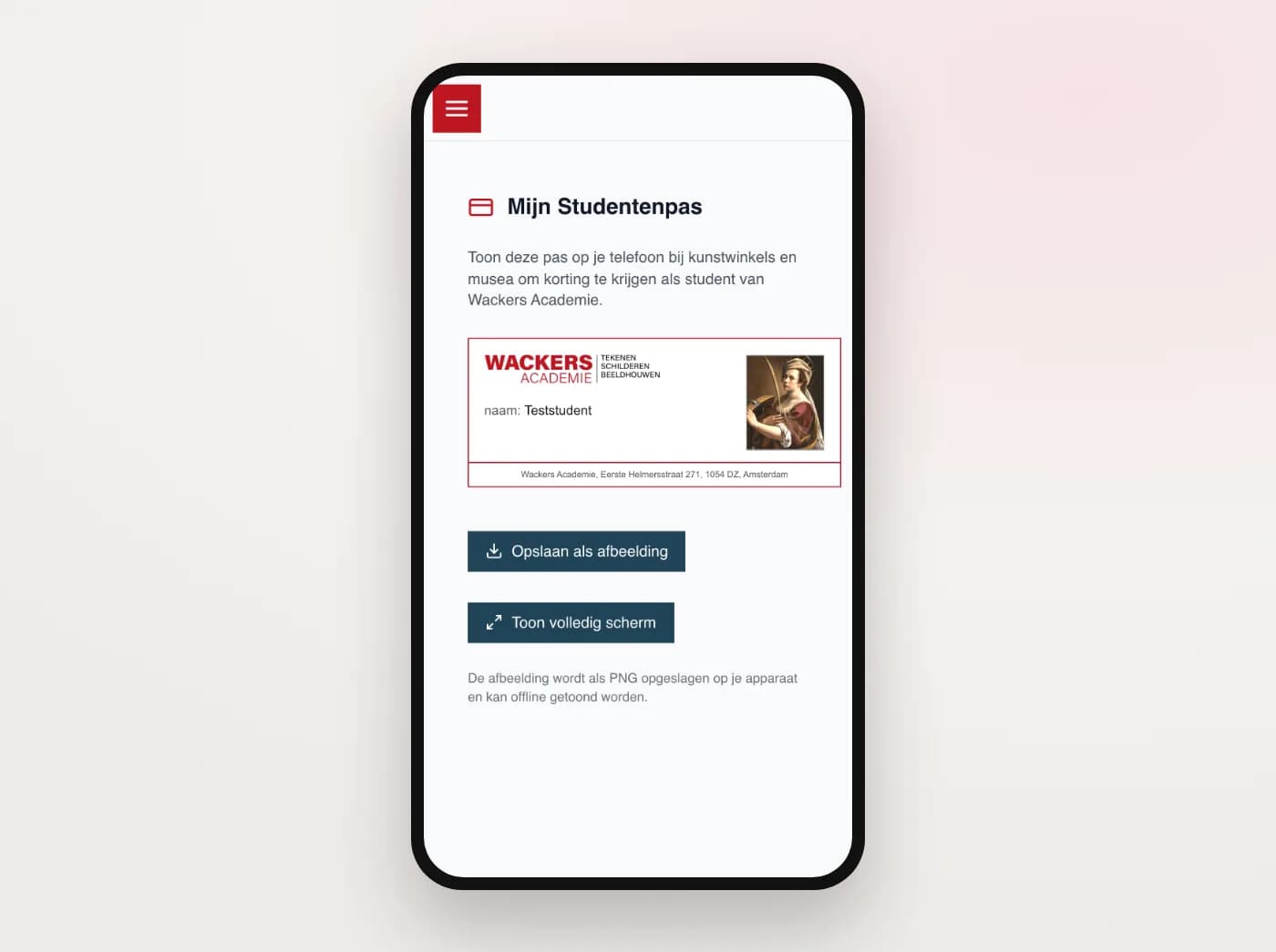
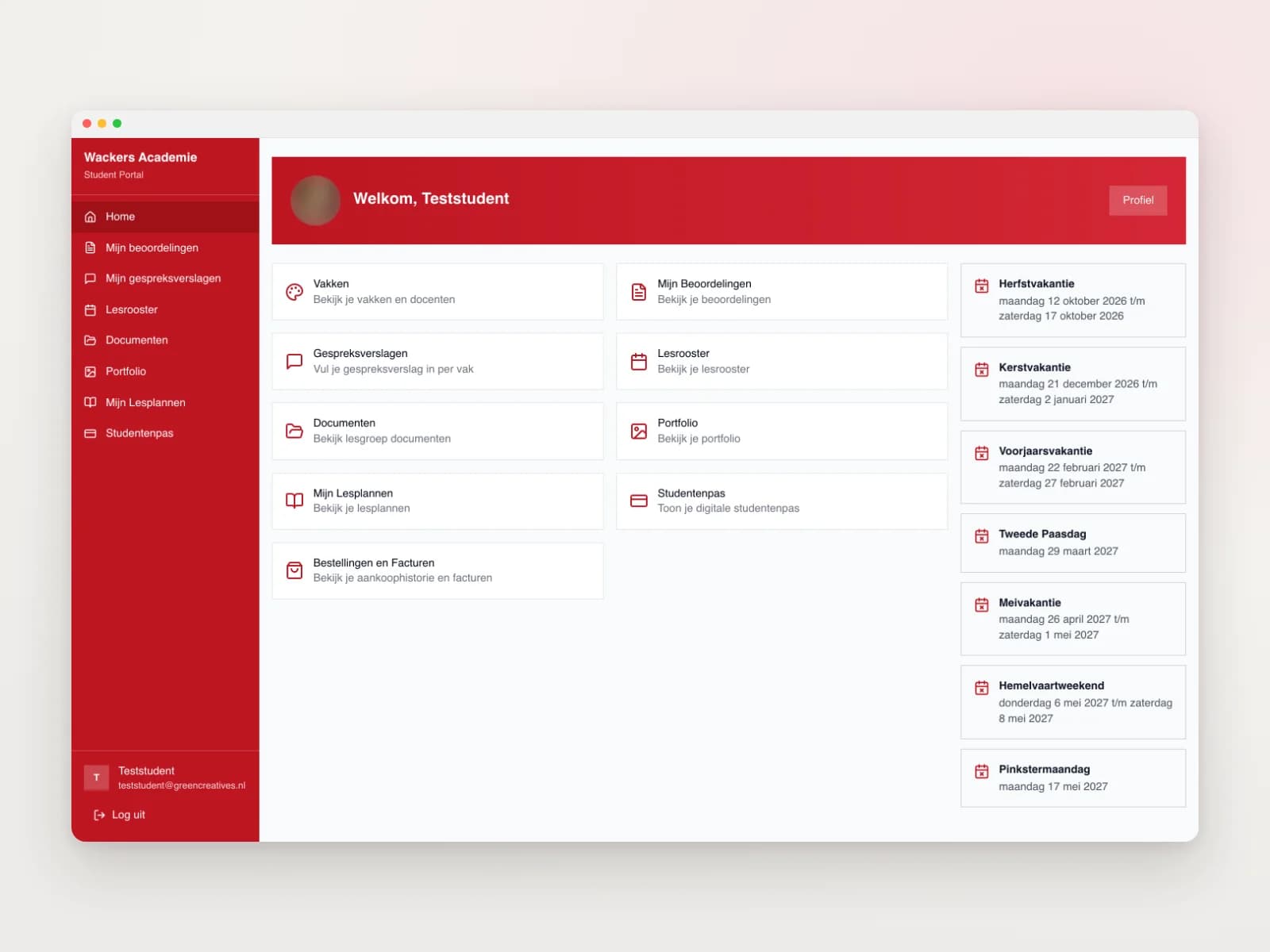
Every student has their own login and dashboard, with the class group code under the welcome title. My assessments shows the status of each subject per study year. Subjects that have not been assessed yet turn red, and you choose between two views. The assessment criteria are explained, with a link to the policy document. Per subject you fill in a review report, with the teacher's name up front, a photo attached and a confirmation before you submit. You also find the timetable with days off, assessment weeks and notices, the documents for your class group, your subjects with their teacher, your orders and invoices from the web shop and your profile with your own photo. Earlier academic years stay available. And the digital student card can be downloaded or shown full screen on your phone.
For teachers
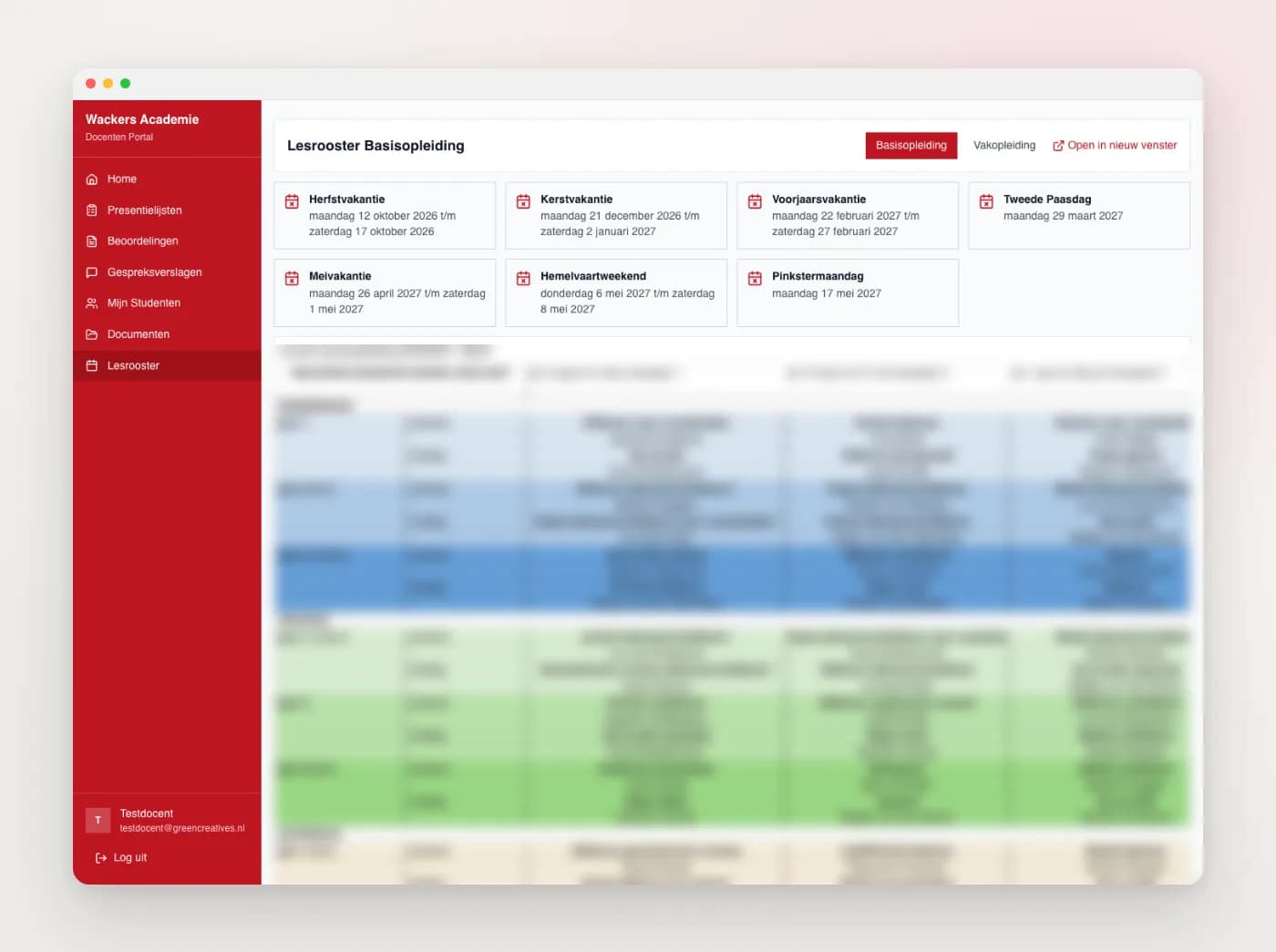
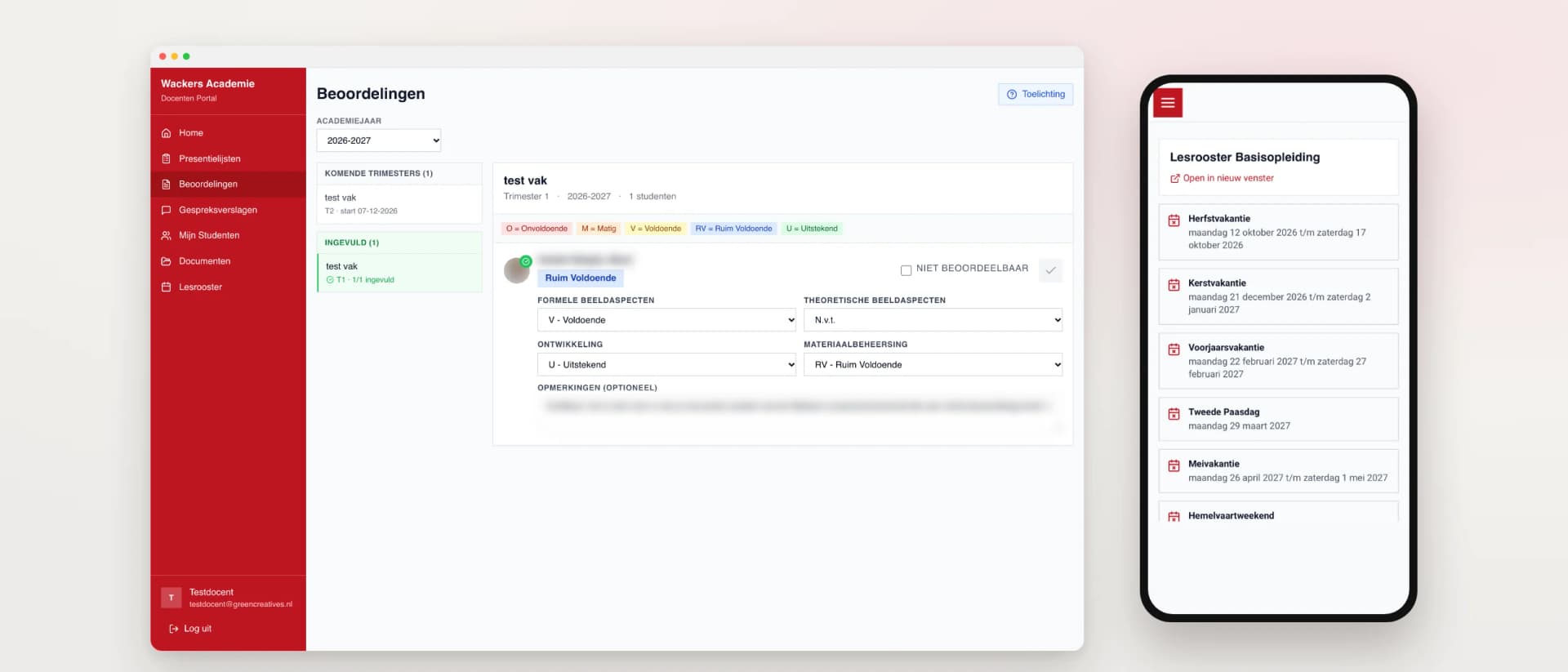
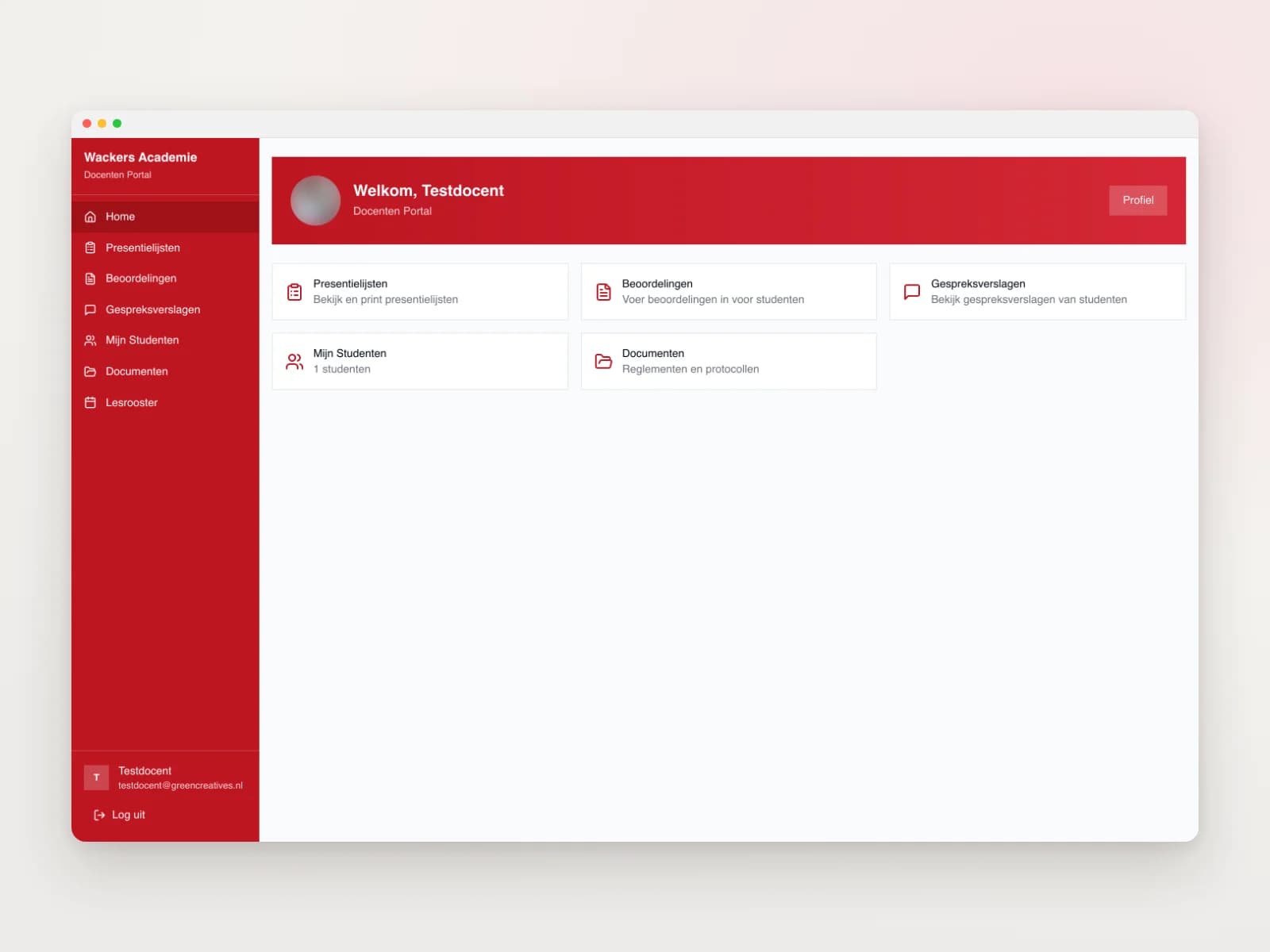
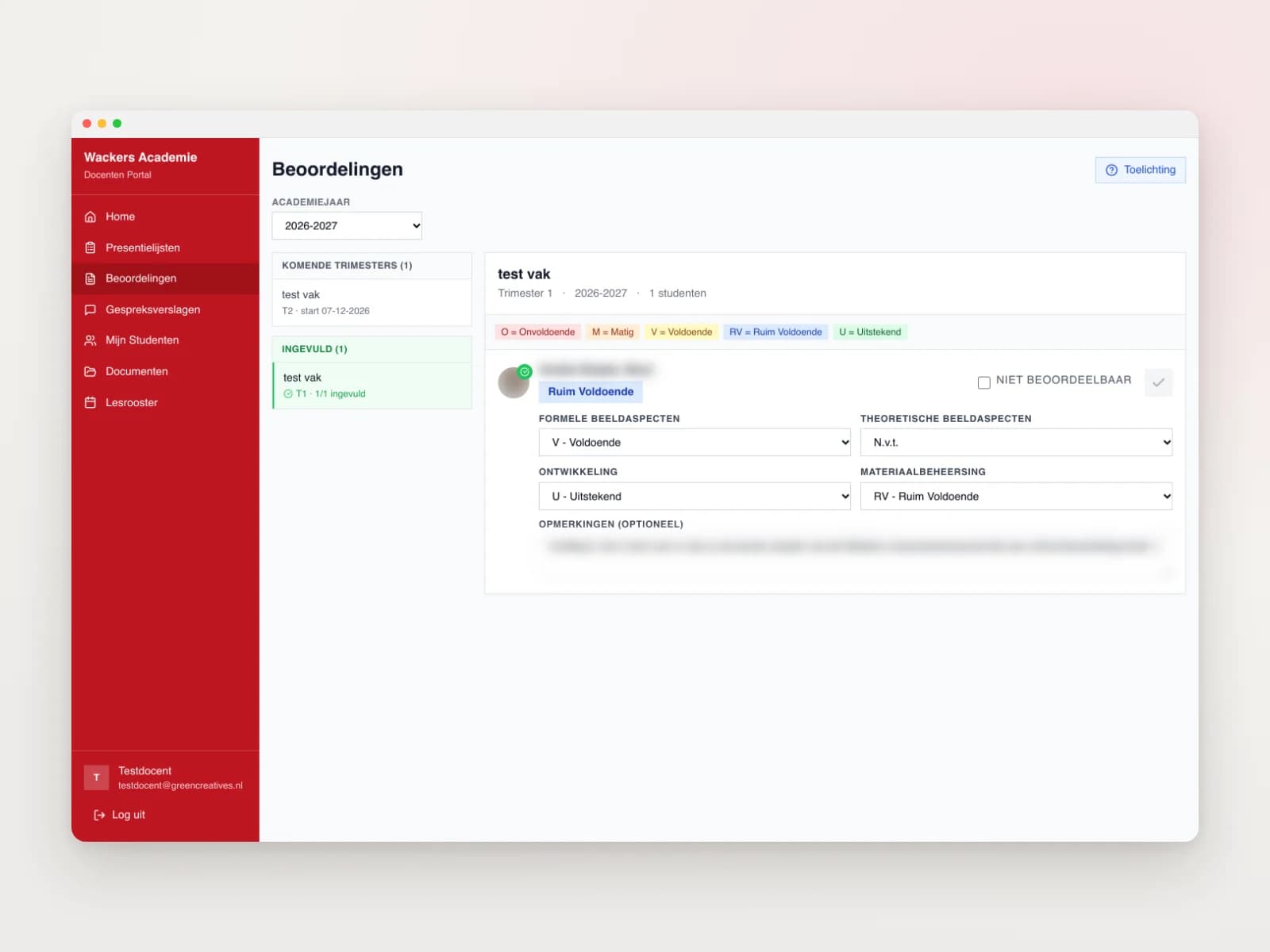
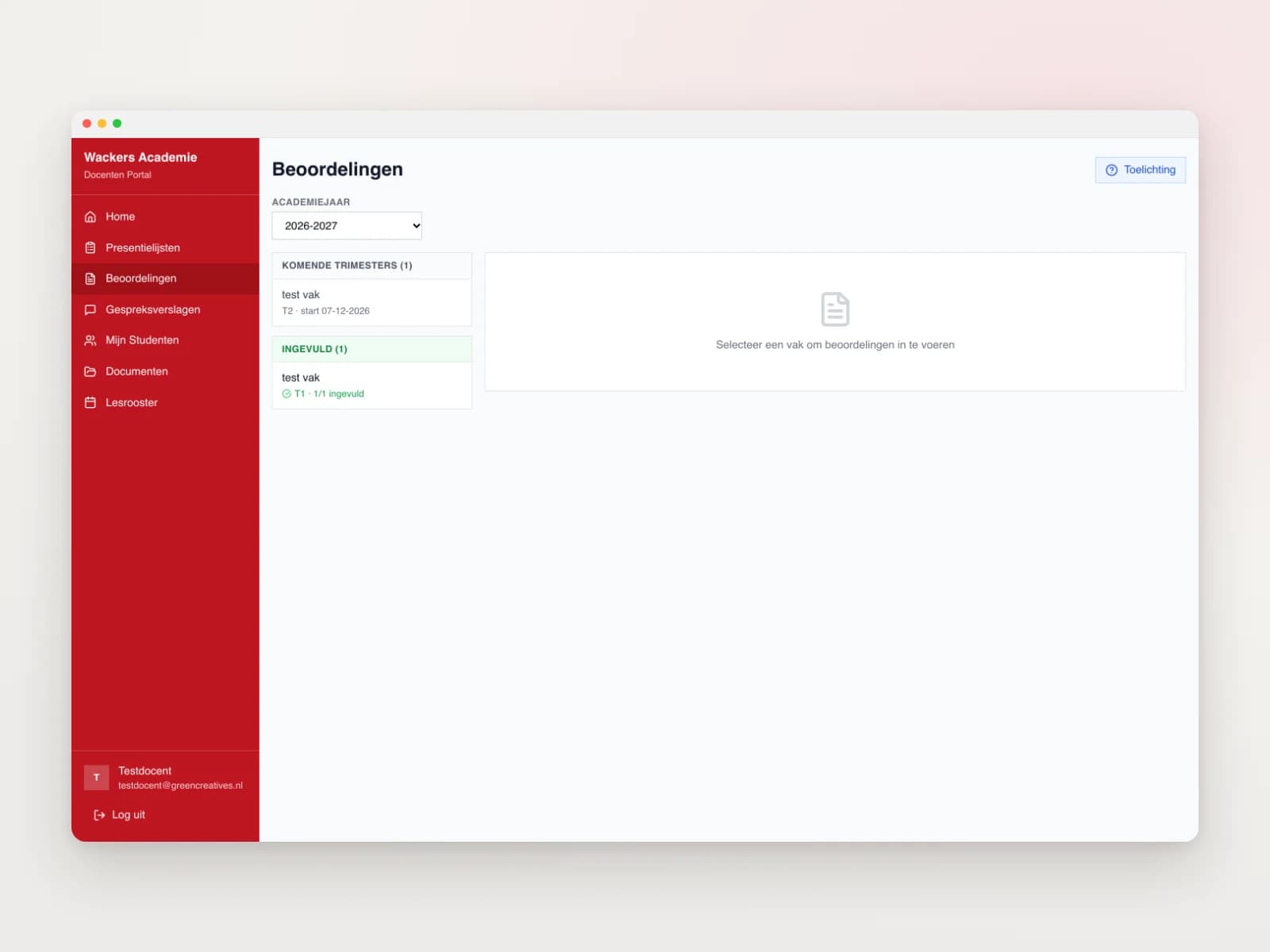
Teachers see on their dashboard which assessments are still open per subject. They assess per class group on four criteria on a five point scale. The portal works out the average, together with the number of lessons attended, and there is room for remarks. Subjects are listed per term with their status: finished, running or open. Under My students they see the assessments and review reports for each student. The attendance list per class group prints on a single A4, with the days off marked. Documents, lesson plans and a profile with photo complete it.
For the office
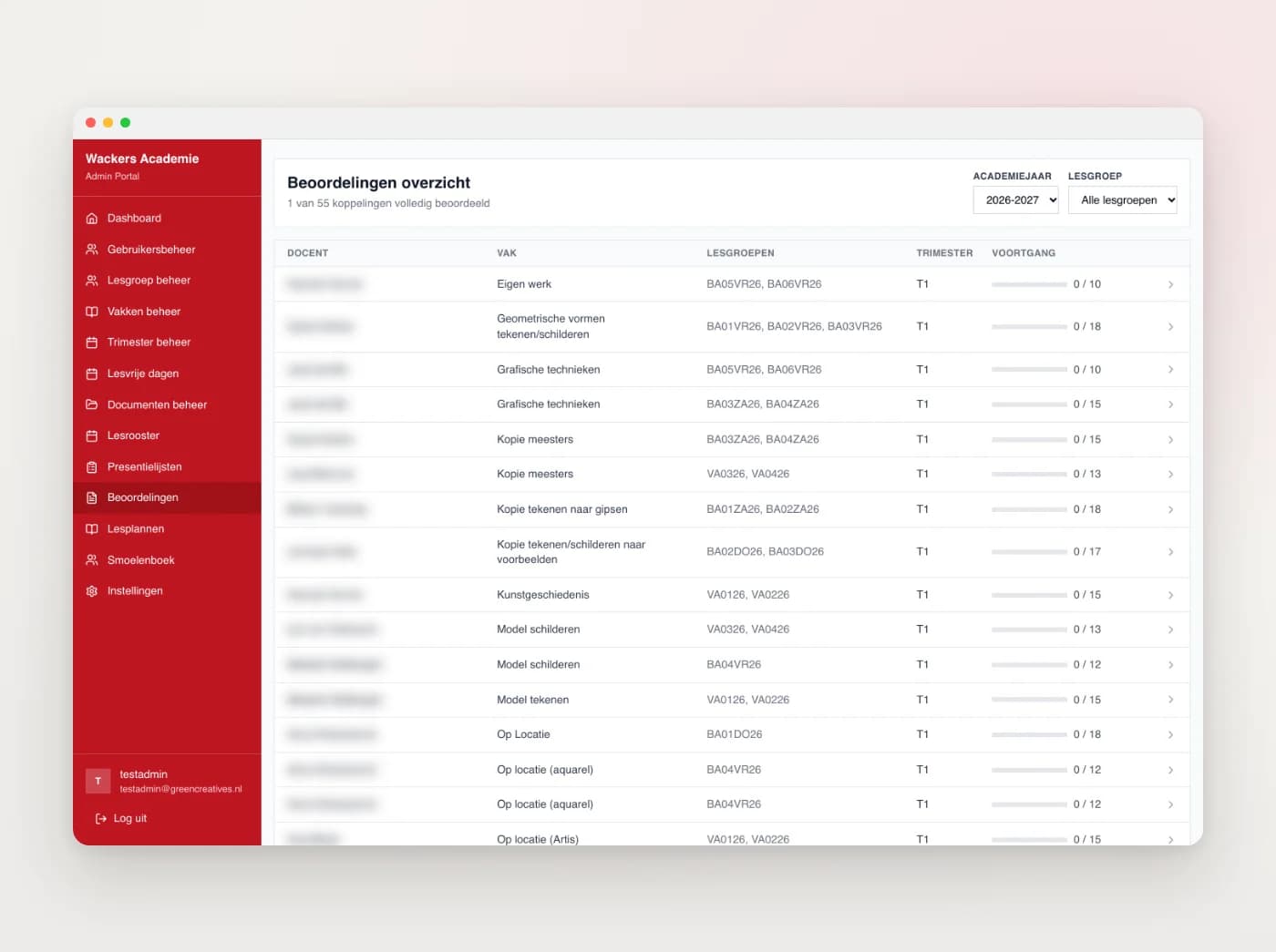
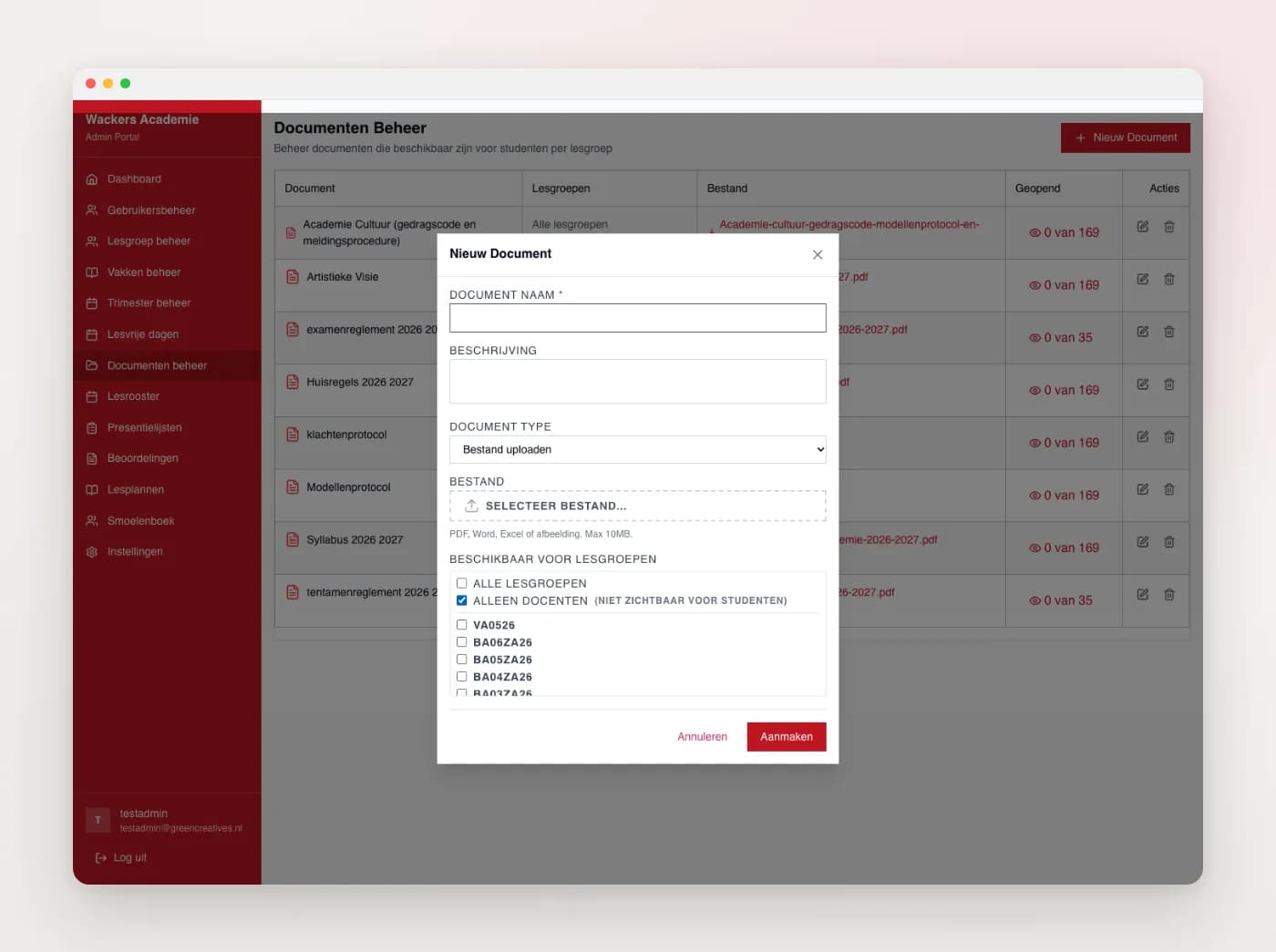
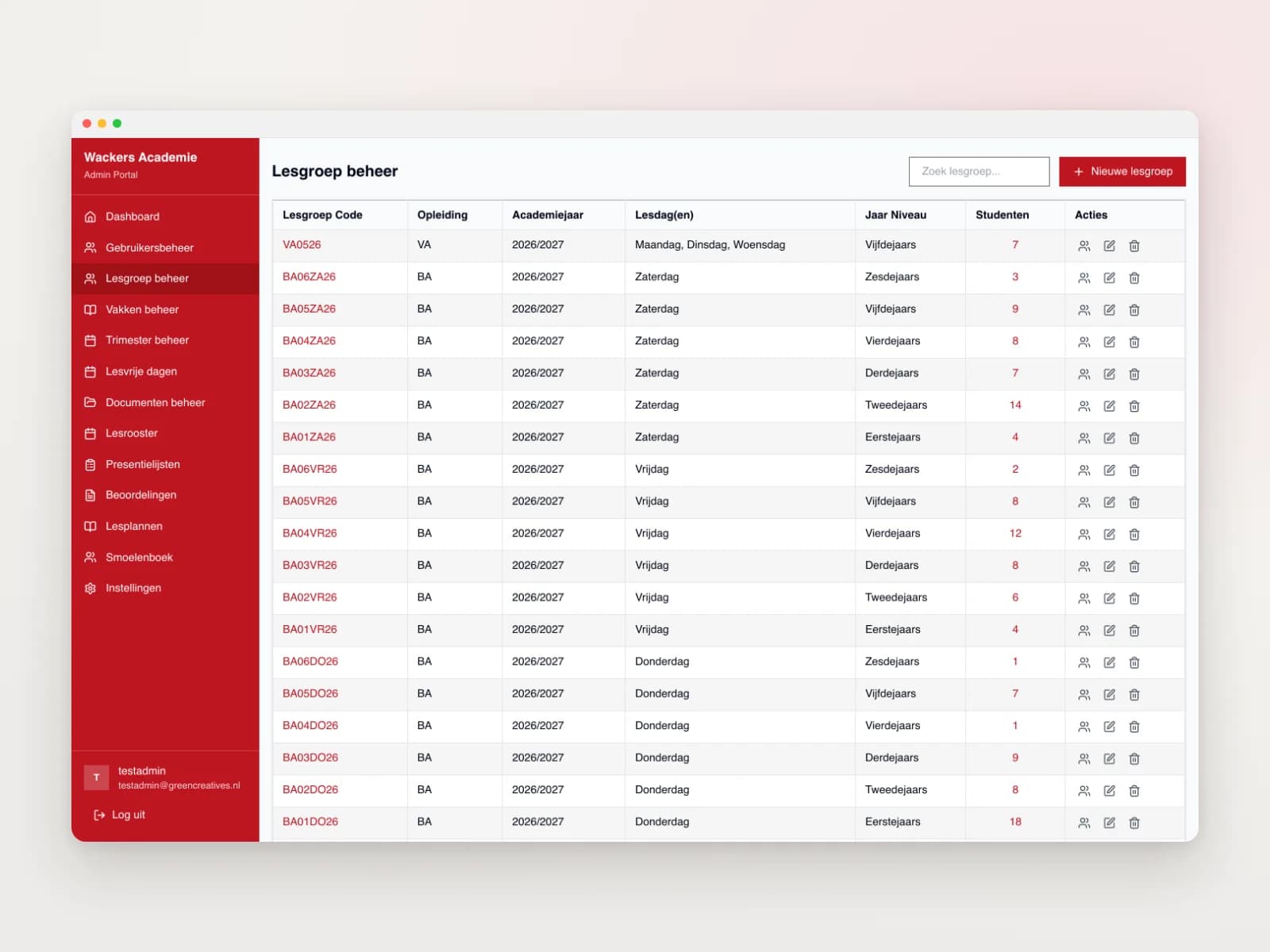
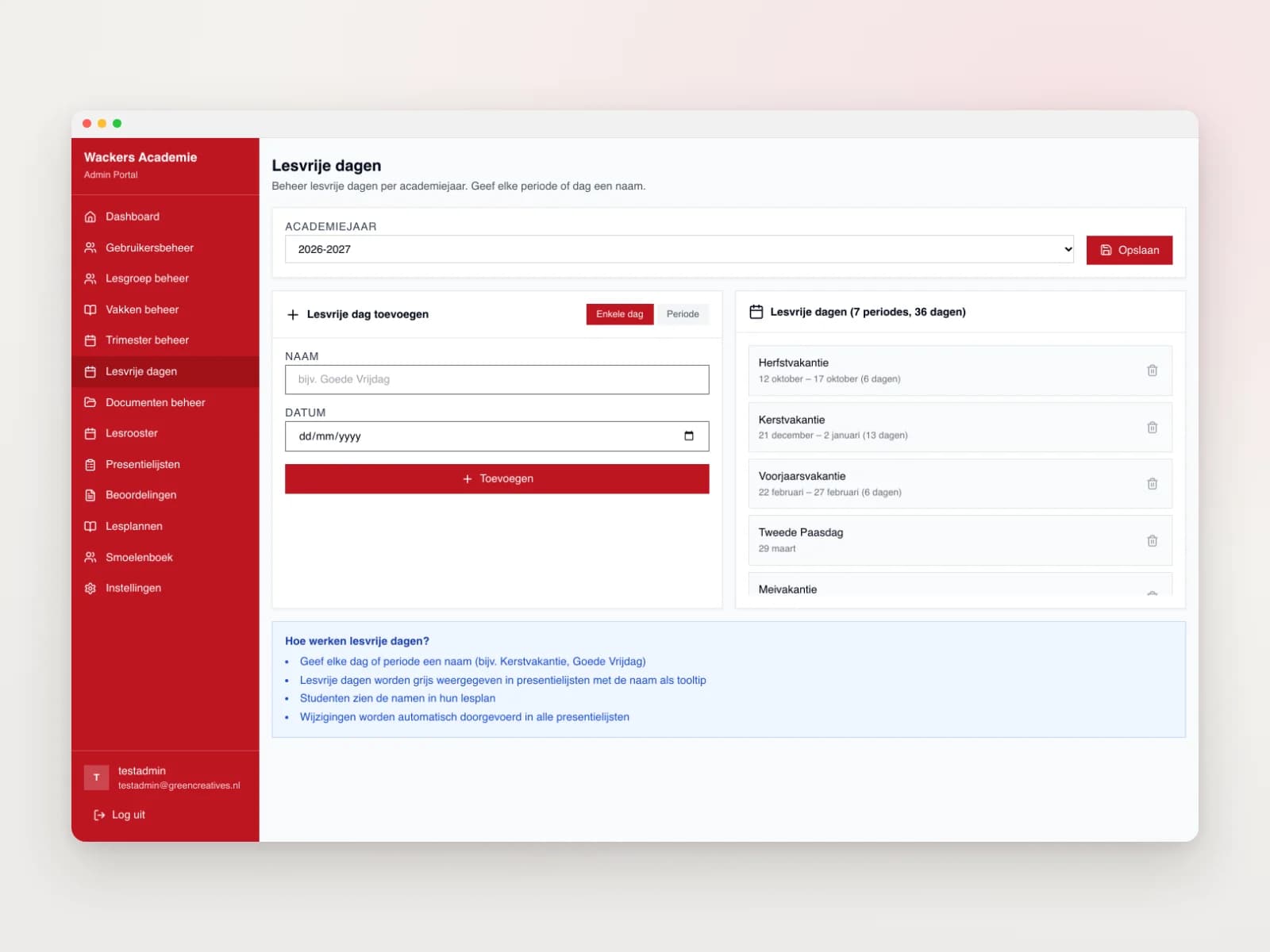
The office manages users with three roles: student, teacher and office. Class groups have fixed codes, such as BA25DO01, and students can be added or removed. The assessment overview filters on class group and academic year and shows the averages per student. You see straight away which teachers still have to assess. Documents are uploaded once and shared with one or more class groups. Days off and holidays get their own name and show up for teachers and students by themselves. The lesson plans per teacher live here too.
Connected to the rest
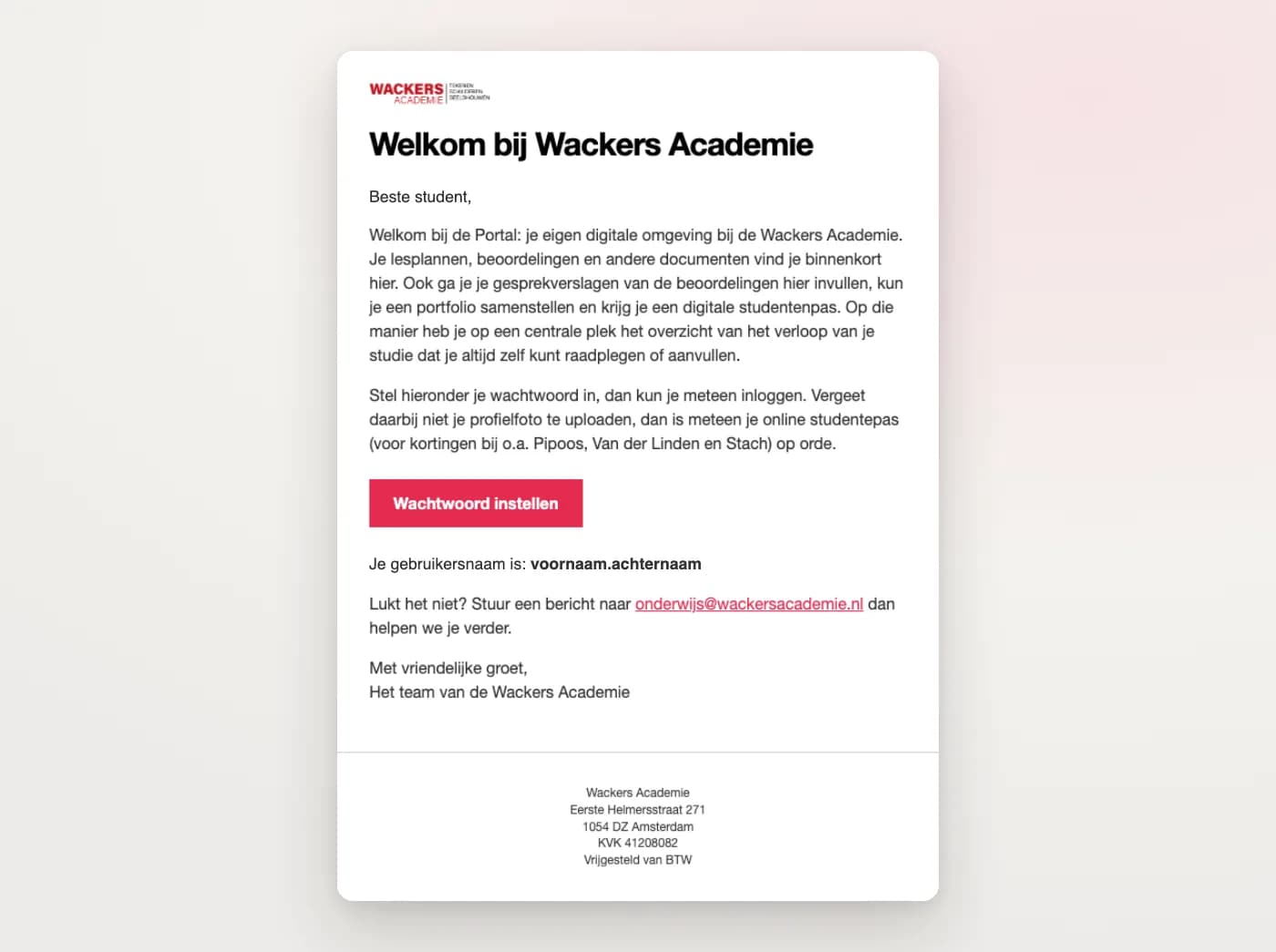
The portal does not stand apart from the site. Anyone who enrols through the web shop (WooCommerce) lands in the right class group automatically and receives a welcome email in the style of the site, with their user name and a button to set a password. The timetable comes straight from Google Drive, so the office keeps it up to date in one place. Everything runs inside their own WordPress site, as a dedicated plugin with its own database.
What it delivered.
One place for students, teachers and the office, each with their own dashboard
Assessment on four criteria, with an automatic average
Enrolments from the web shop land in the right class group by themselves
Digital student card for discounts at art shops and museums
Attendance list per class group on a single A4, with days off marked
Timetable, holidays and documents per class group always up to date
The portal in pictures.

A portal like this
for your organisation?
Tell us how things run now and who needs to work with it. In a free call we look at what can come together in one place.